
AI-Kitchen Command Center
One AI brain over your whole operation — real-time anomaly detection, live dashboards, and an AI agent you can talk to.
Definition
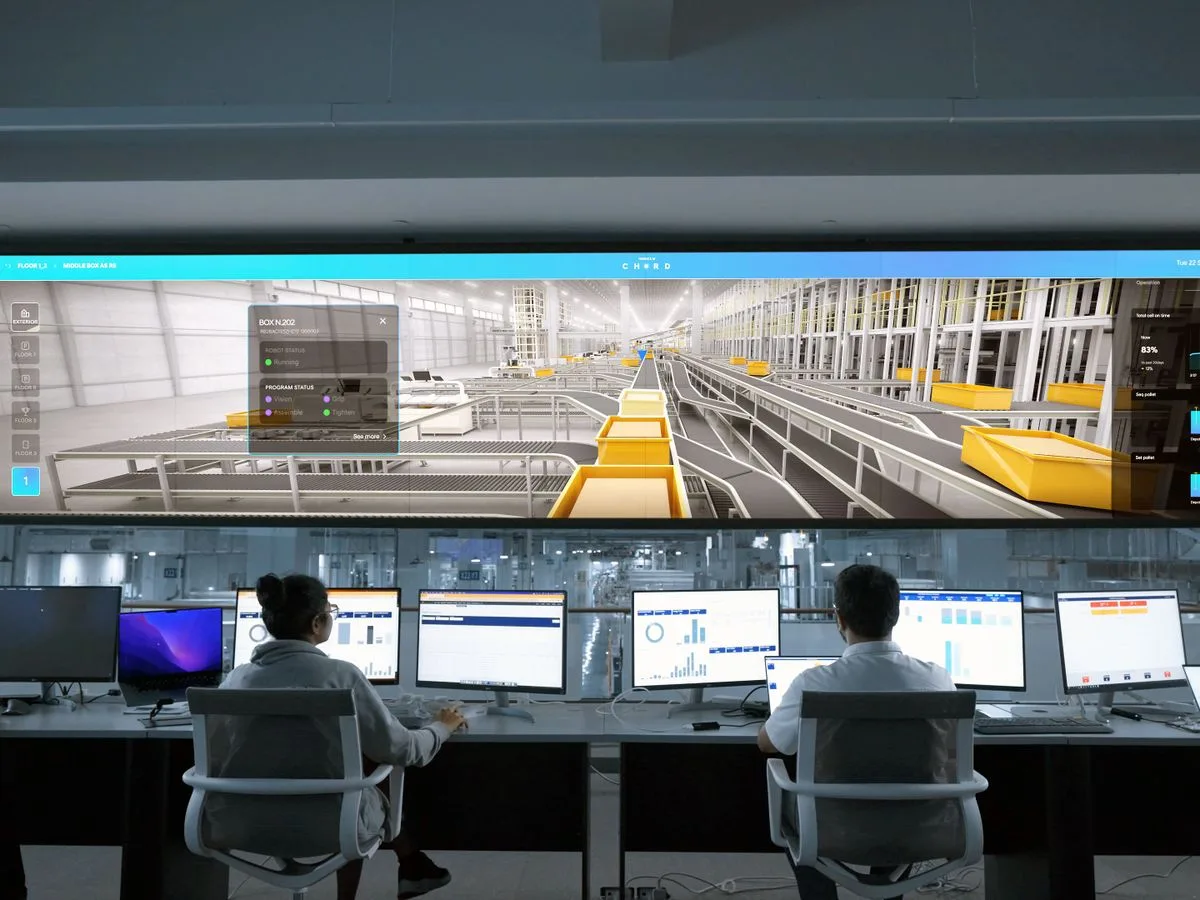
Codemax AI-Kitchen Command Center is an operations-intelligence platform that oversees the whole operation using real-time AI anomaly detection, unified visualisation dashboards, and an interactive AI agent chat that turns operational data into actionable insights and optimisation.
01 · Overview
What is AI-KCC?
The AI-Kitchen Command Center is the intelligence layer of the Codemax stack. It continuously watches the data flowing out of RMS, VisionAI, Adqlo, and your ERP; detects anomalies the moment an outlet, product, or shift drifts from its baseline; and visualises the whole operation on live dashboards. When you want to go deeper, you simply ask — the built-in AI agent answers in plain language, grounded in your real records, and recommends the next best action.
Interactive preview
Talk to the agent right now.
This is a scripted preview with sample data. In production, every answer is grounded in your live operational records.
Codemax AI Agent
Grounded in your dataWhy did Outlet 07 margin drop this week?
Margin at Outlet 07 fell 3.2 points, driven by chicken wastage (2.1σ above baseline, RM 1,840) and two voided catering orders. Food cost elsewhere is stable.
What drove the RM 2,760 margin drag
- Chicken wastage (2.1σ)RM 1,840
- Voided catering (×2)RM 920
Recommended: trigger a stock recount and review the void approvals — I can open both tasks in RMS.
02 · Audience
Who is it for?
- Operations leaders who want one live view of every outlet
- Finance teams chasing variances after the fact
- CXOs who want answers and actions, not pivot tables
- Group operators standardising oversight across brands
03 · Capabilities
Key features
Every feature ships as part of the platform — no add-on SKUs, no surprise modules.
Real-time anomaly detection
AI watches every outlet, product, and shift against its own baseline — and flags drift before it hits P&L.
Live visualisation dashboards
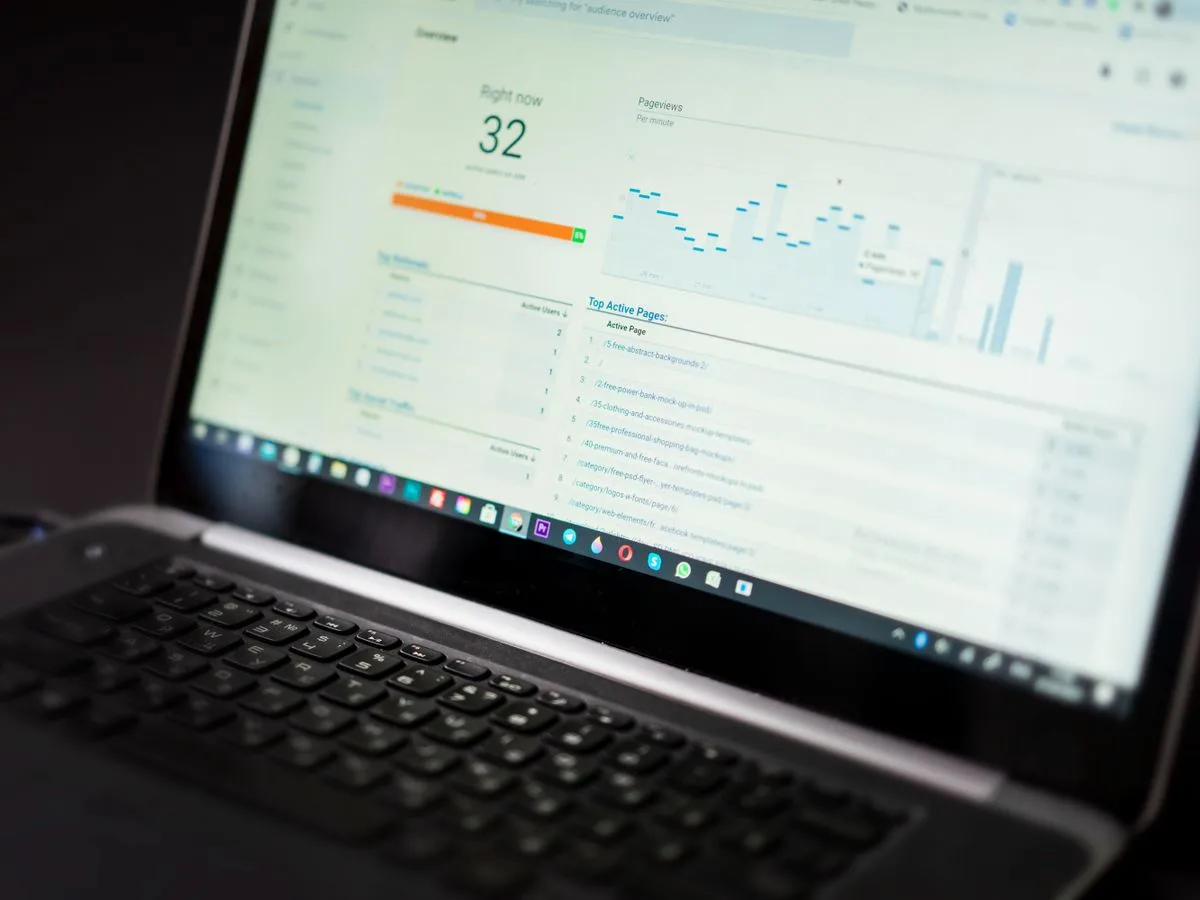
The whole operation on one screen — sales, stock, food safety, footfall, and social signals, updating in real time.
Interactive AI agent chat
Ask questions in plain language; get answers grounded in your real records, with recommended actions attached.
Actionable optimisation recommendations
Concrete recommendations on stock cover, pricing, mix, and labour — with the expected impact quantified.
Cross-solution signal fusion
RMS transactions, VisionAI events, and Adqlo social signals correlate in one model — so causes surface, not just symptoms.
Alerts and reports where you work
Anomaly alerts and narrative reports delivered by email, WhatsApp, Slack, or Microsoft Teams.
See AI-KCC running on data like yours.
Book a 30-min demo04 · Engagement
How it works
From scoping to network-wide operation, in clearly defined phases.

-
Connect your data
Native connectors pull data from RMS, VisionAI, Adqlo, your ERP, POS, and accounting into one model.
-
Define your watch list
We agree which entities (outlets, products, KPIs) the AI should watch and at what tolerance.
-
Operate from the command deck
Live dashboards plus real-time anomaly alerts go to the channels your team already uses.
-
Ask, act, optimise
The AI agent answers your questions, recommends actions, and learns which insights your team acts on.
05 · Pricing
Pricing
Custom pricing based on data volume, connectors, and number of AI workflows. Contact us — we offer a proof-of-value engagement on a fixed-fee basis.
06 · Fit
Where it fits, what you get
Sectors served
- F&B
- Retail
- Healthcare
- Enterprise
Outcomes you can measure
- Catch anomalies before they hit P&L
- One live view across the whole operation
- Decisions in minutes through AI agent chat
07 · FAQs
Frequently asked questions
The questions enterprise buyers ask before they sign — answered up front.
- Is the AI-Kitchen Command Center a BI tool?
- No. BI tools wait for you to query them. The AI-Kitchen Command Center watches your operation continuously, detects anomalies in real time, visualises everything on live dashboards, and lets you interrogate the data through an AI agent chat. It complements rather than replaces traditional BI.
- What can I ask the AI agent?
- Anything your data can answer: "Why did Outlet 12 margin drop this week?", "Which products should we discontinue?", "Show me food-safety incidents by shift." The agent answers in plain language, cites the underlying records, and proposes actions.
- Where does the AI-Kitchen Command Center get its data from?
- Native connectors for Codemax RMS, VisionAI, and Adqlo, plus SAP, Oracle NetSuite, Microsoft Dynamics 365, Xero, and common POS platforms. Custom sources are supported via REST, JDBC, or scheduled file drops.
- Does it send our data to a public LLM?
- No. The AI-Kitchen Command Center uses model deployments configured for your tenancy, with prompt and data isolation. Public-LLM routing is opt-in and can be disabled by policy.
- How does it handle hallucinations?
- The agent is grounded in your records. Every claim in an answer or report is traceable to the underlying rows. If the data does not support a claim, the agent declines to make it.
- Can alerts go to WhatsApp?
- Yes. WhatsApp, email, Slack, and Microsoft Teams are first-class delivery channels. Alerts fire in real time; narrative reports arrive on your schedule.
08 · The stack
Works better together
AI-KCC shares one data spine with the rest of the Codemax platform — every solution you add compounds the others.